 Hourside
A world clock for Android
Different cities.
Closer together.
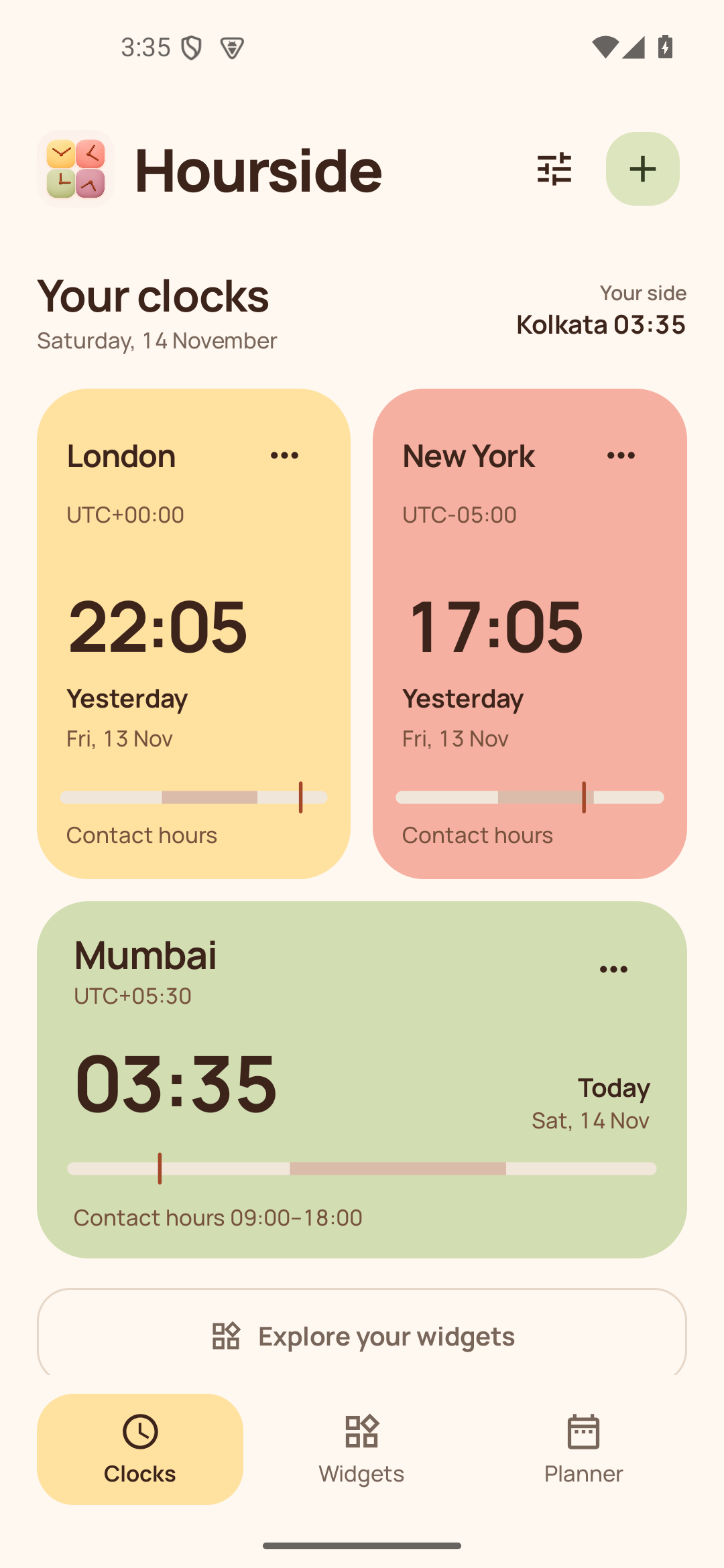
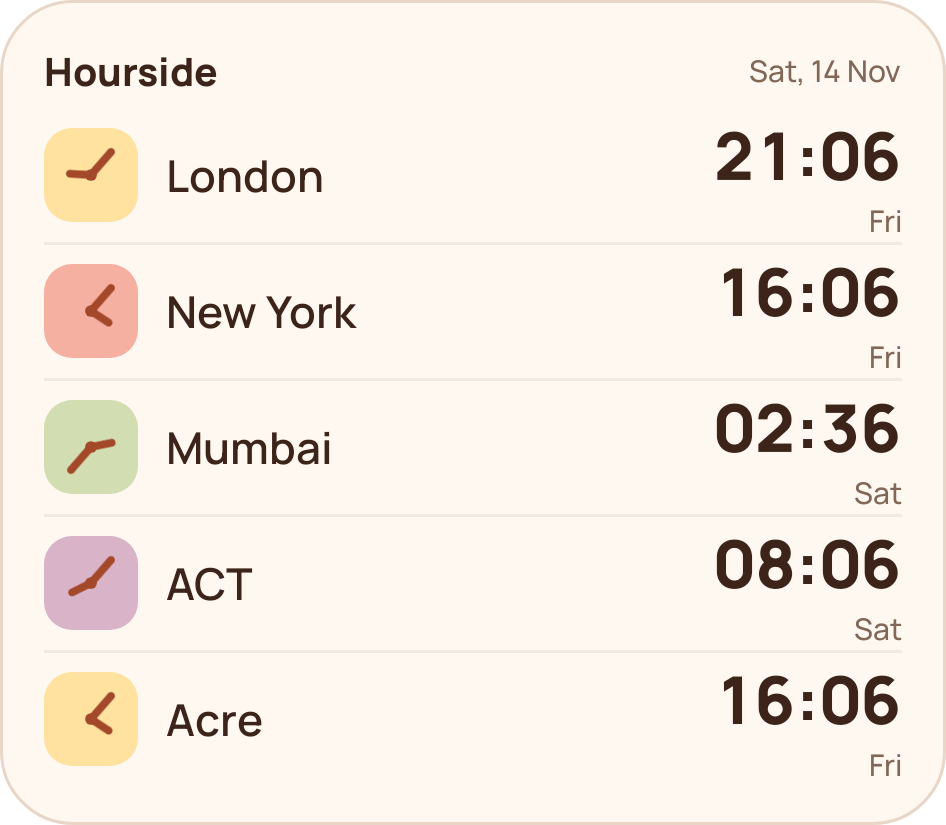
Keep your people’s time close. Compare cities, find a good hour to call, and bring your world onto your home screen.
Free to use. Android 12 or later. No account needed.
Find a time that works on every side.
Move through the day and see the same moment across your cities. Contact hours help you spot a better time for a catch-up or a call.
Choose the city you want to plan in, check the local dates, and leave the mental maths behind.
Explore the planner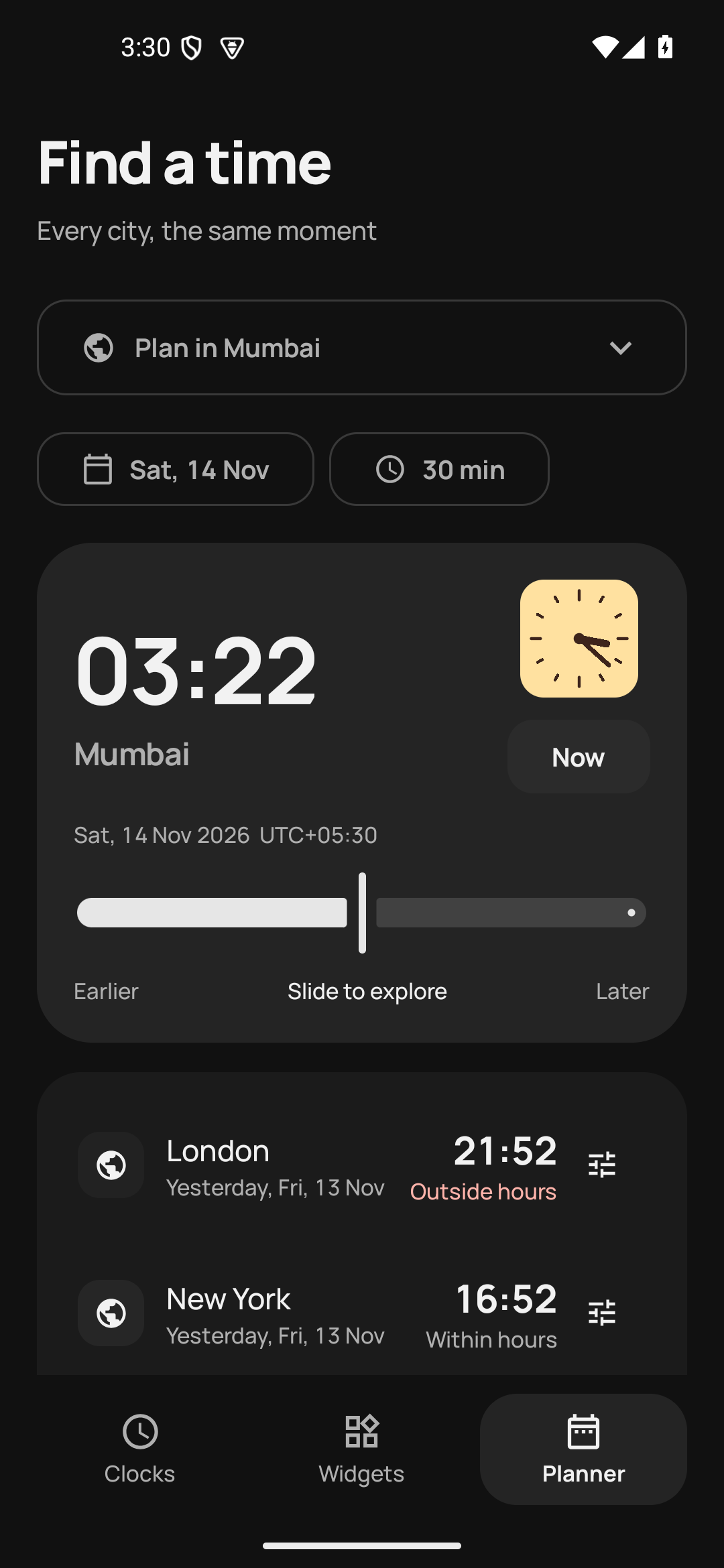
A small app.
A little peace of mind.
Hourside keeps the everyday things simple: your cities, your time, your choice.
Ready without a connection
The Android app works offline. No account, ads or analytics. Your saved cities and settings stay on your device unless you choose to export them.
A backup you control
Export your cities, labels, contact hours, appearance and widget templates to a file. Keep it somewhere safe and restore it when you need it.
Read the backup guideMake room for your world.
Hourside for Android.
Made by Big Small Services in India.
Version 1.0.0 · Android 12 or later
Hourside is currently free. Optional paid features may be offered in the future; there are no purchases or subscriptions in this release. Read the terms.
Moving from an early preview, or setting up a new phone?
Read the migration guide